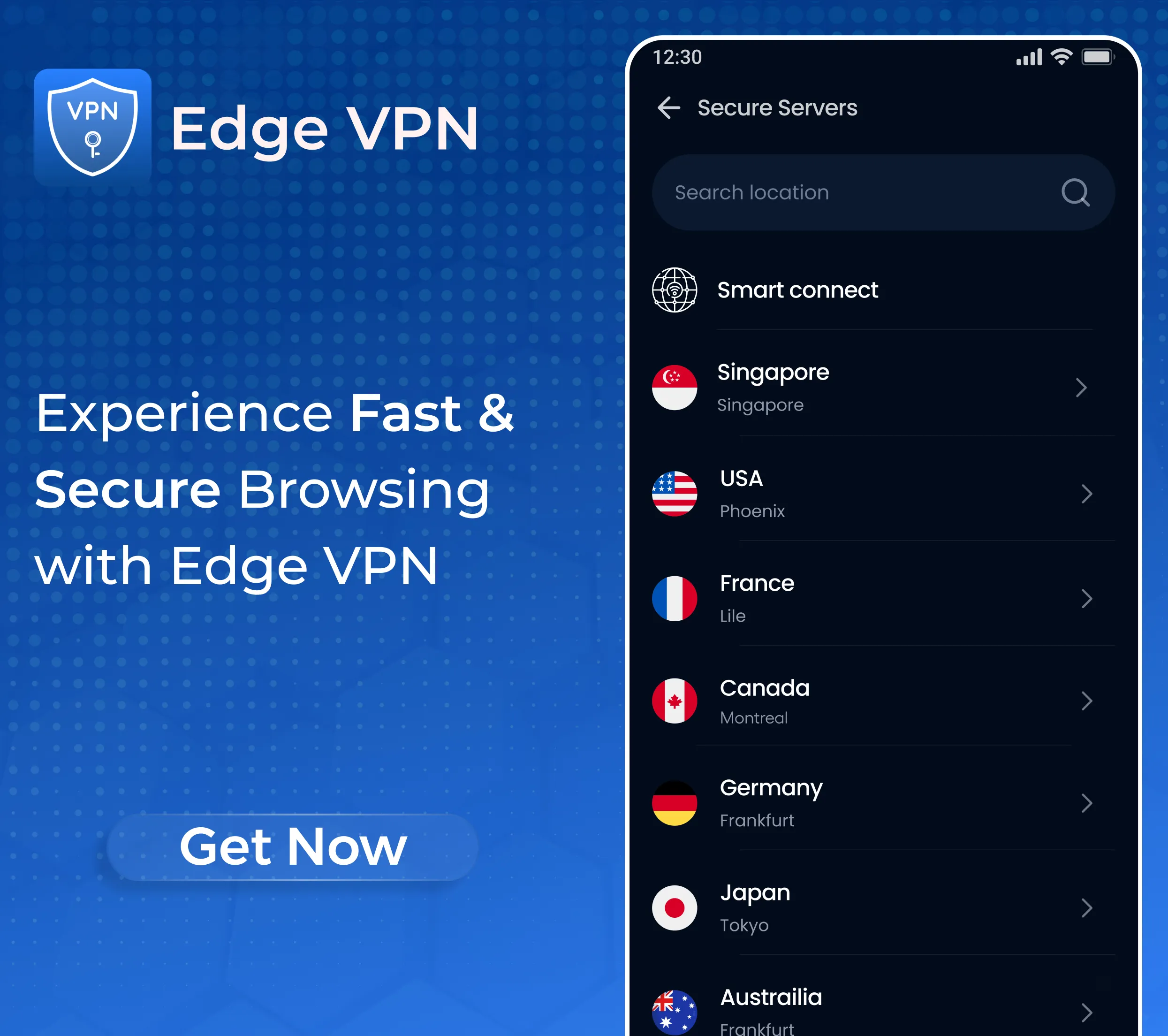
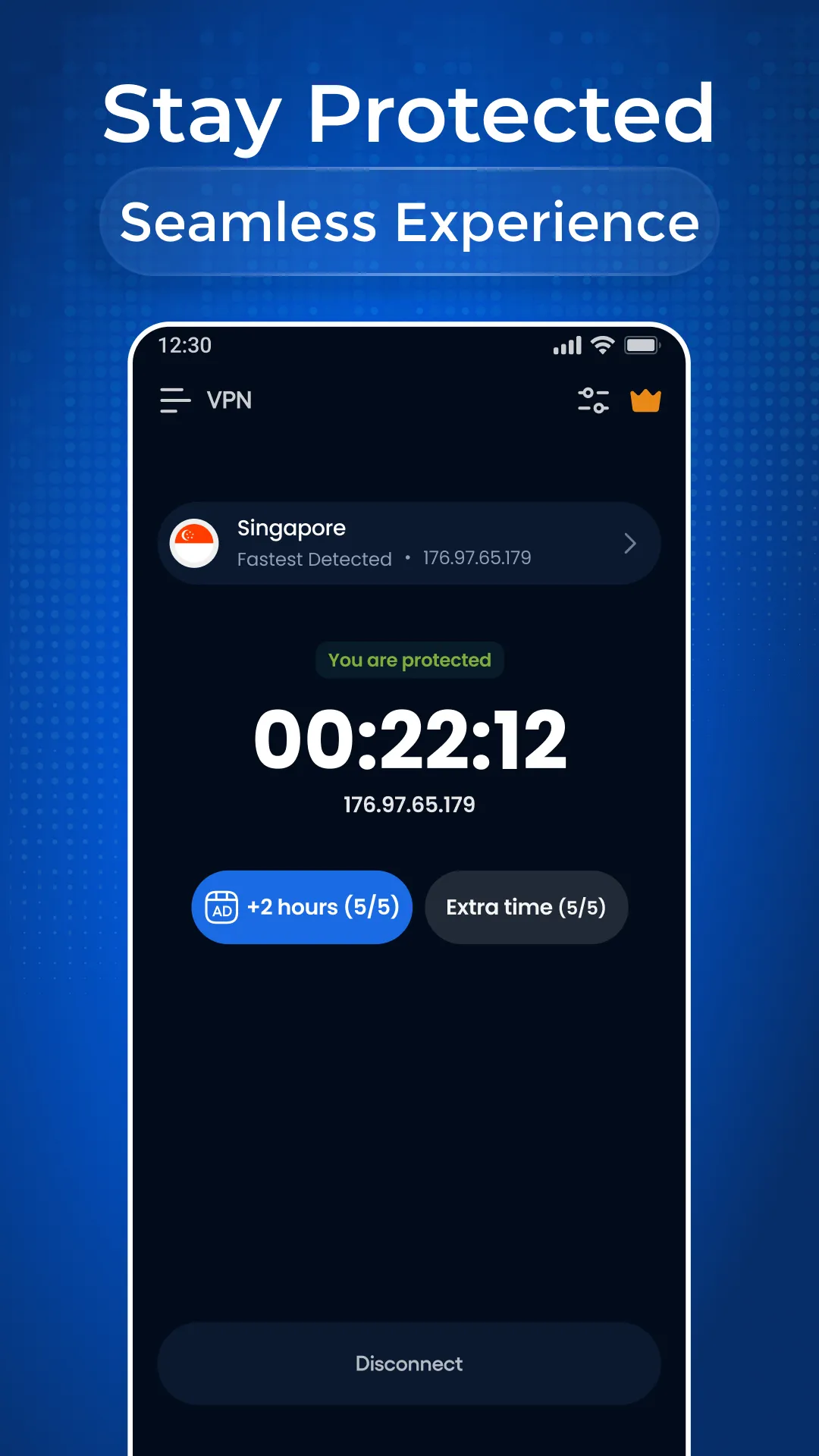
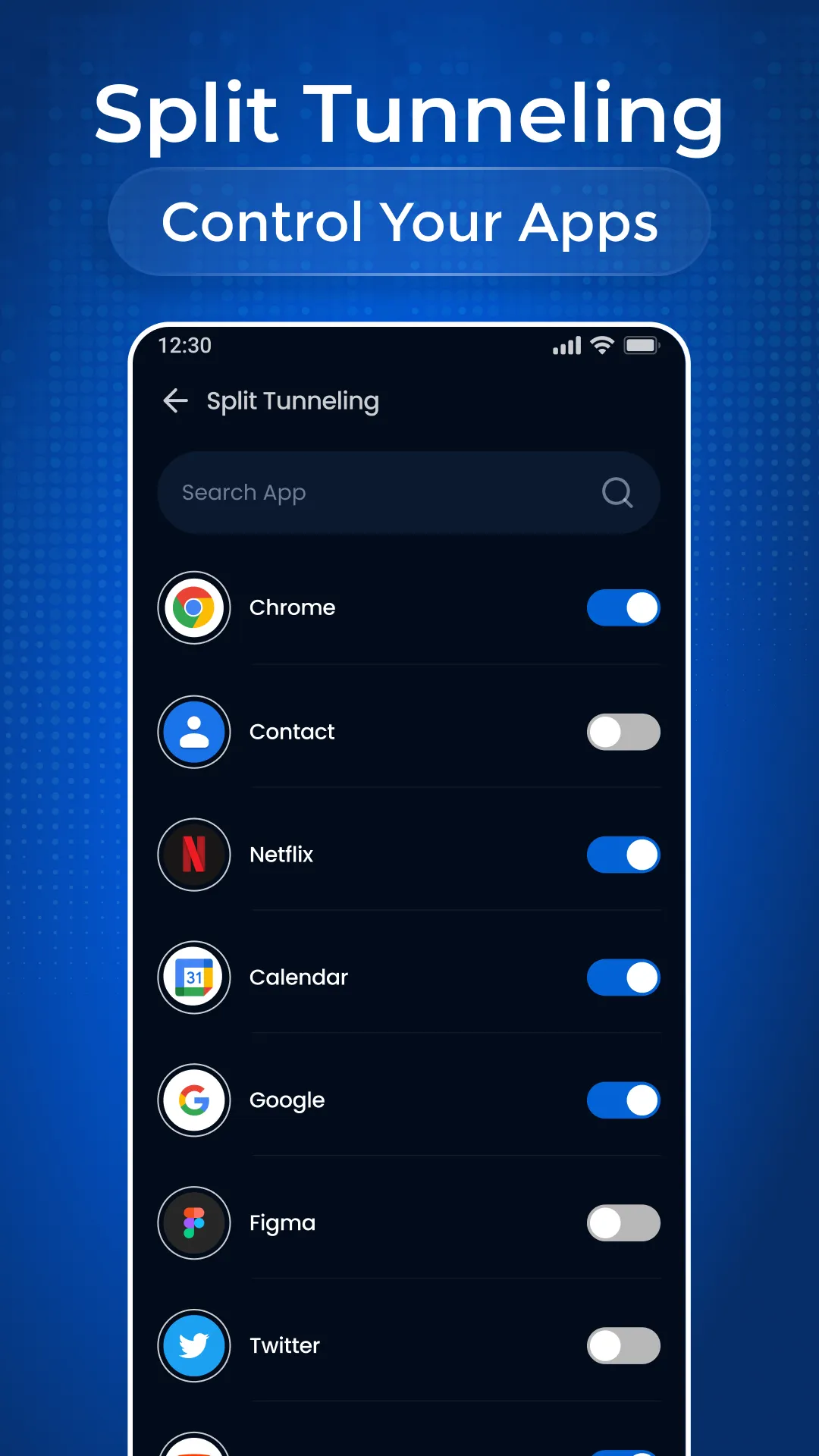
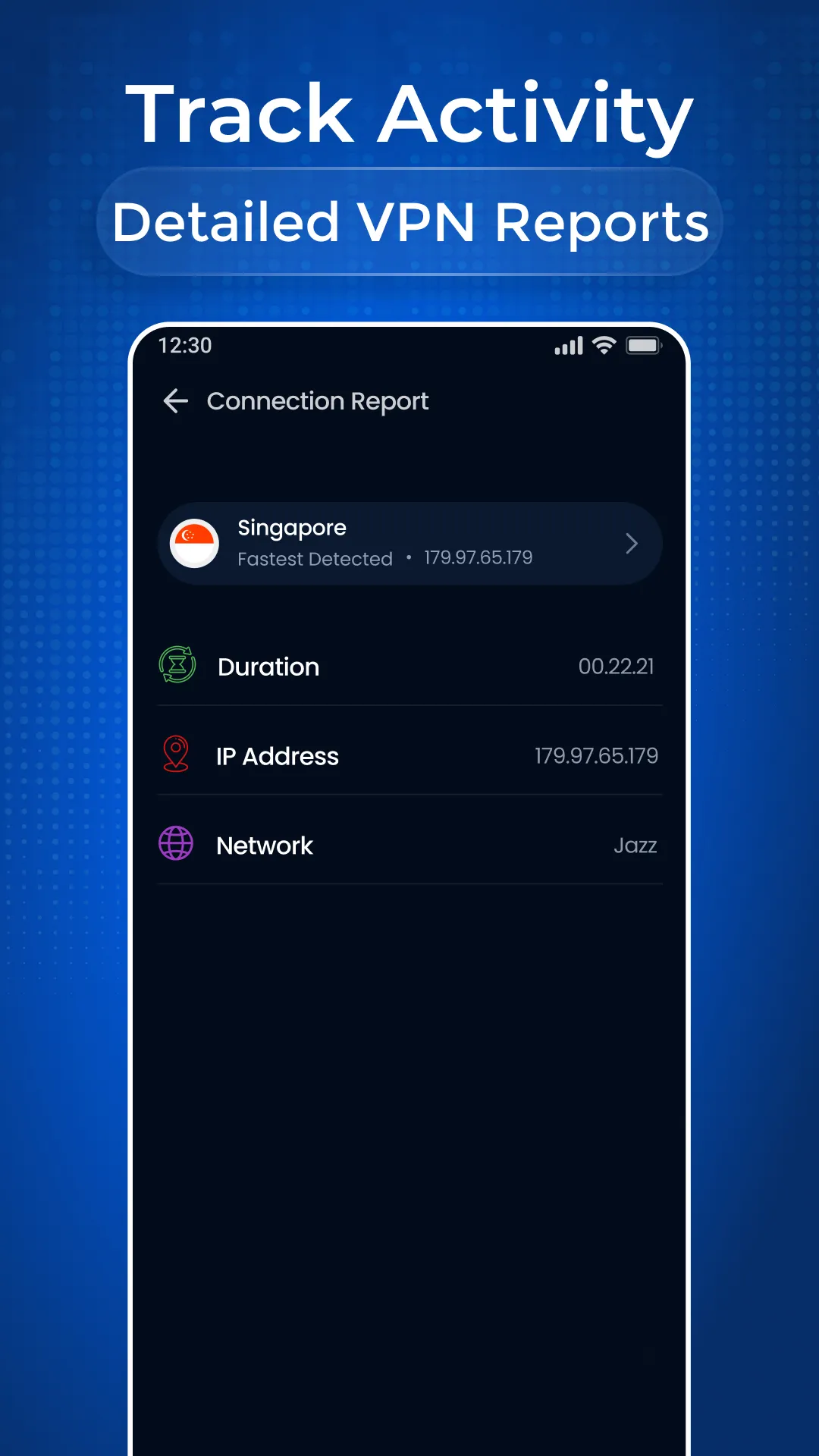
Experience fast, reliable, and private browsing with Edge VPN. Stay protected online, access your favorite content, and enjoy a seamless connection anywhere.
Key Features:
✅ Fast & Stable Connection – Optimized servers for smooth browsing, streaming, and downloads.
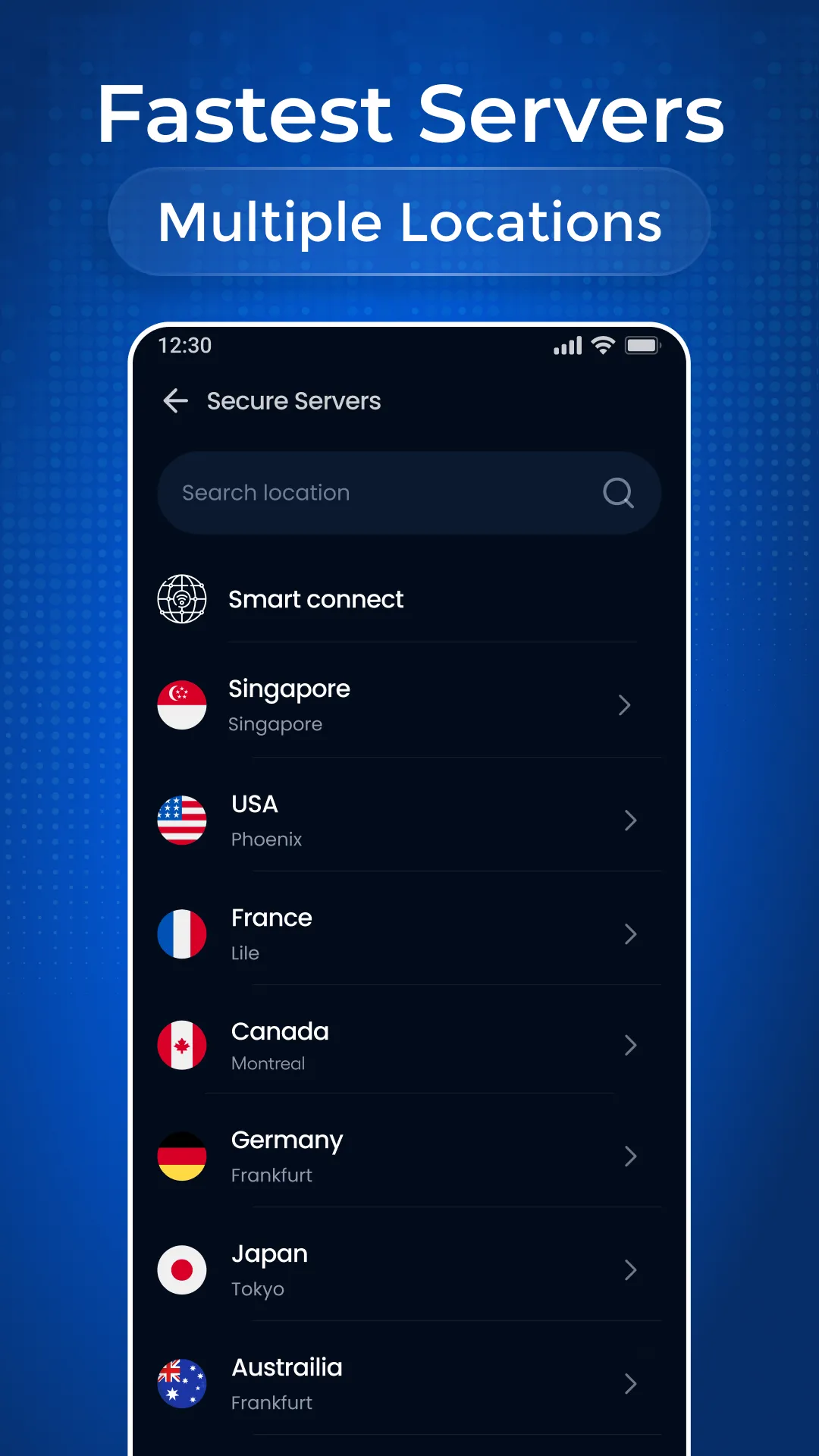
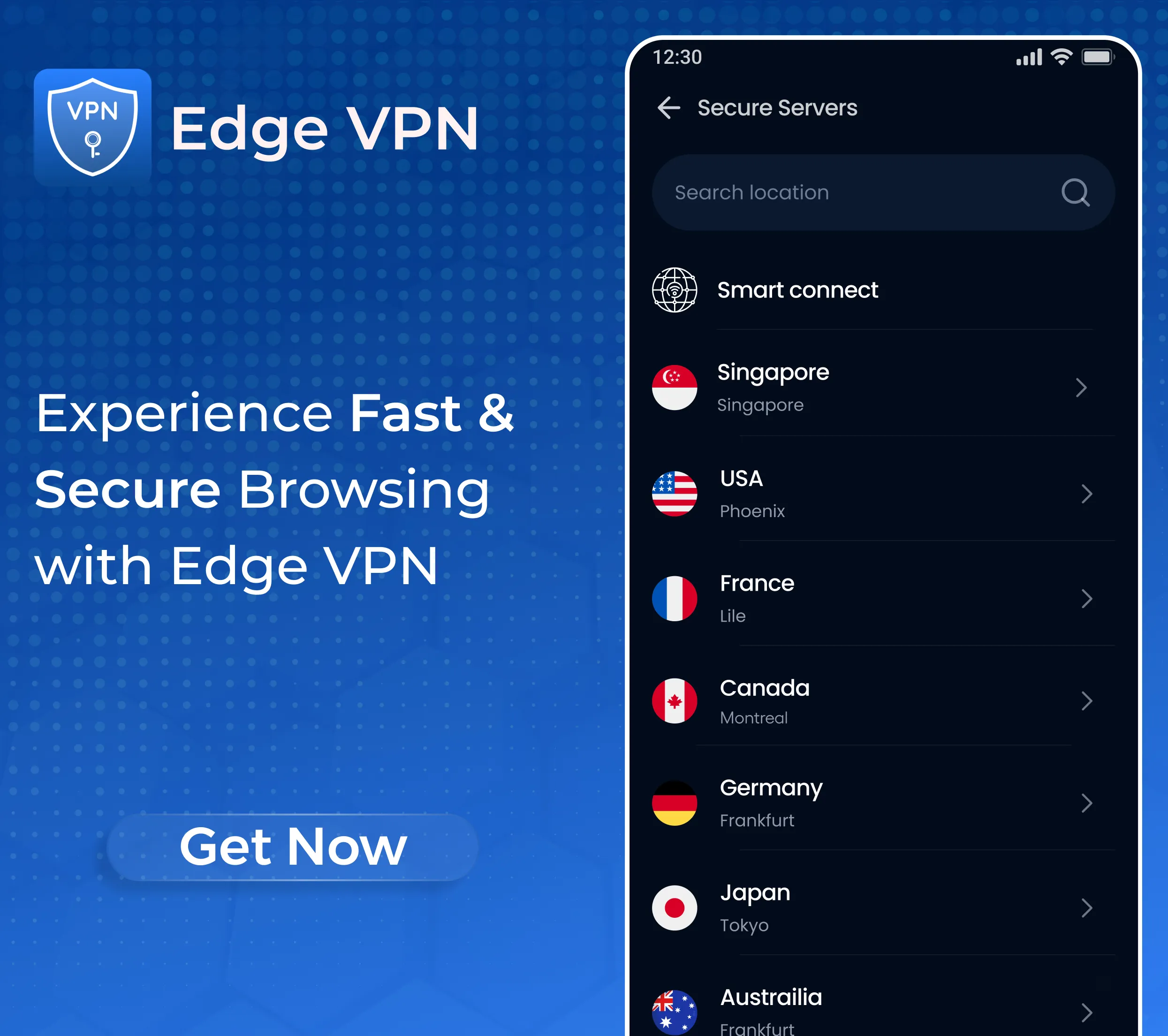
✅ Global Server Network – Connect securely from various locations worldwide.
✅ Strong Security & Privacy – Advanced encryption keeps your data safe.
✅ No Activity Logs – We respect your privacy and do not track your online activities.
✅ Unlimited Bandwidth – Enjoy uninterrupted access without data limits.
✅ Public Wi-Fi Protection – Secure your personal data on public networks.
✅ Access Content Anywhere – Overcome restrictions and connect with ease.
✅ Multi-Device Compatibility – Use one account across all your android devices.
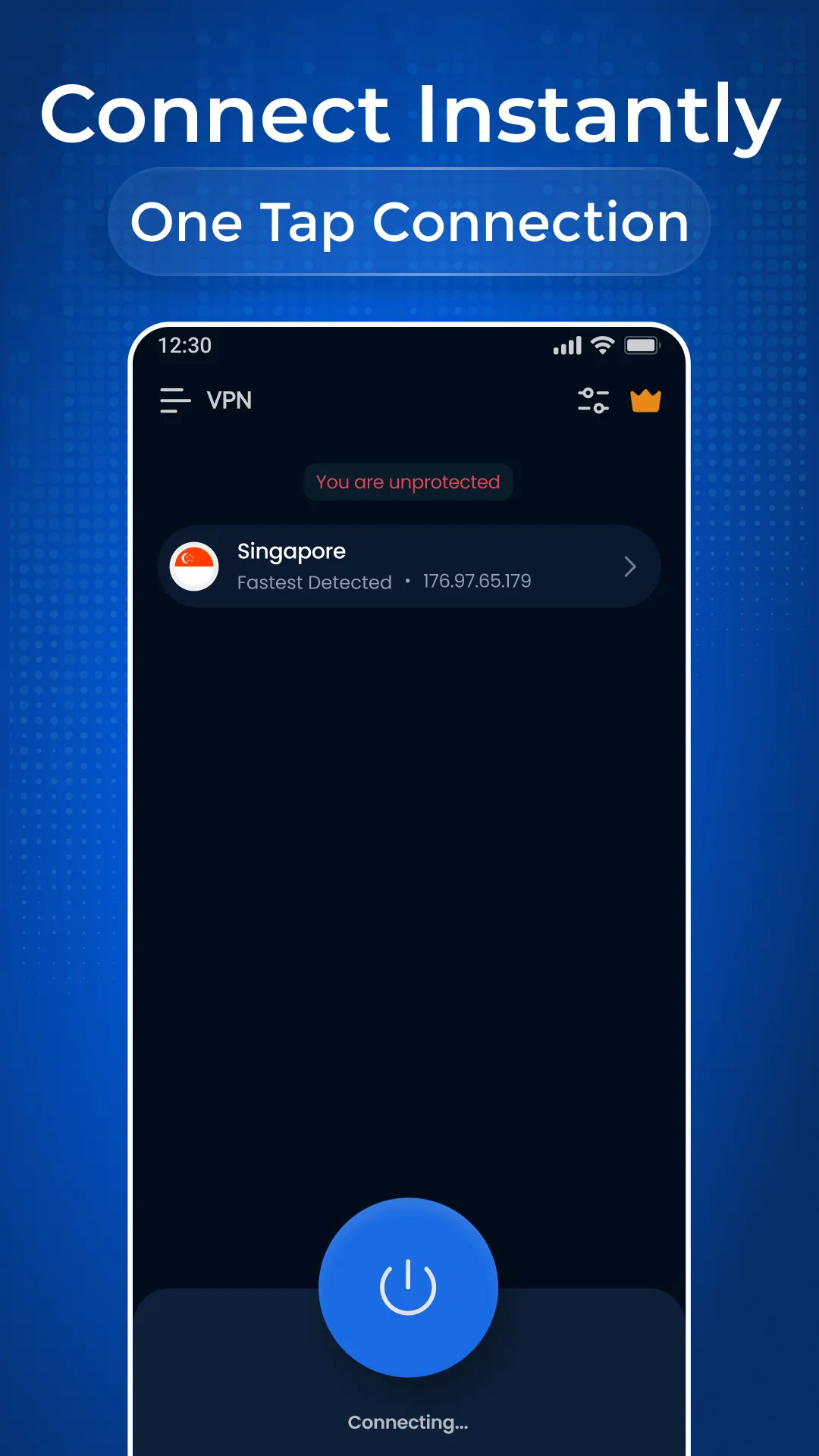
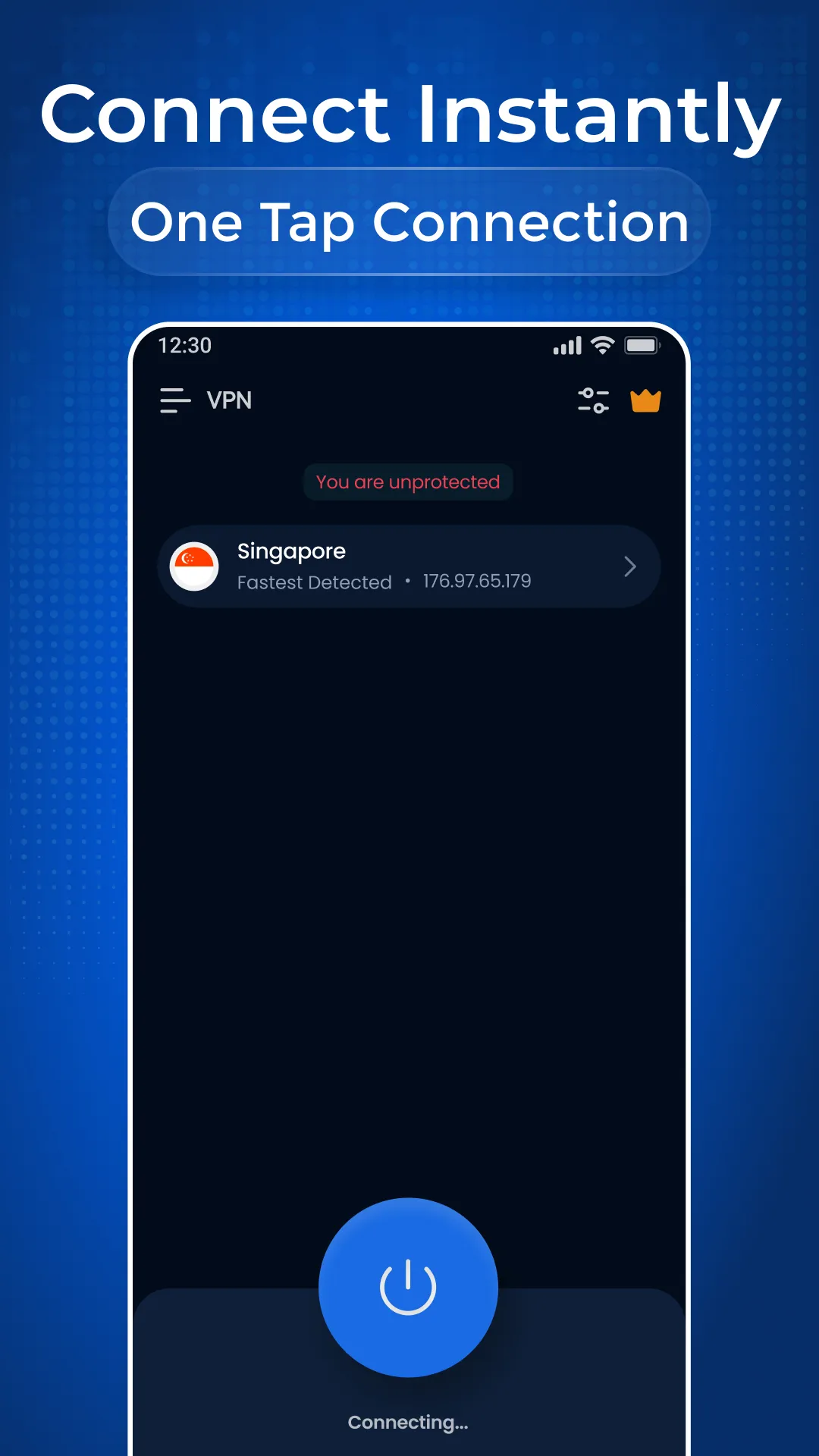
✅ Simple & Easy to Use – Connect instantly with a user-friendly interface.
Why Edge VPN Uses Foreground Services
Edge VPN uses a Foreground Service to ensure:
🔹 Uninterrupted VPN connection, even in the background.
🔹 Real-time encryption for continuous online security.
🔹 Transparent active connection status for better user control.
This enhances reliability, ensuring secure and seamless connectivity.
Get Started in 3 Simple Steps
1️⃣ Download and install Edge VPN from the Play Store.
2️⃣ Open the app and select a preferred server.
3️⃣ Tap "Connect" to enjoy a secure and private connection instantly.
24/7 Support:
Need assistance? Our support team is always ready to help. Contact us anytime at
[email protected]
🔒 Secure your online experience now. Download Edge VPN today and enjoy.